

Quick Response
For October 2026, build a schedule per taxpayer: validate obligations and official dates, set internal cutoffs, assign responsible and backup persons, and require acknowledgment and payment to close each task. Add an annual pre-closing to avoid concentrating differences in December.
Prepare October 2026 with individual obligations, responsible parties, internal cutoffs, official sources, and compliance files.
Confirm 24 Hours Before
Validate each date and obligation at the official source before executing. The matrix is operational, not a universal list.
October Dashboard
| Task | Internal cutoff | Closing |
|---|---|---|
| Declarations | Reconciled data | Acknowledgment and payment |
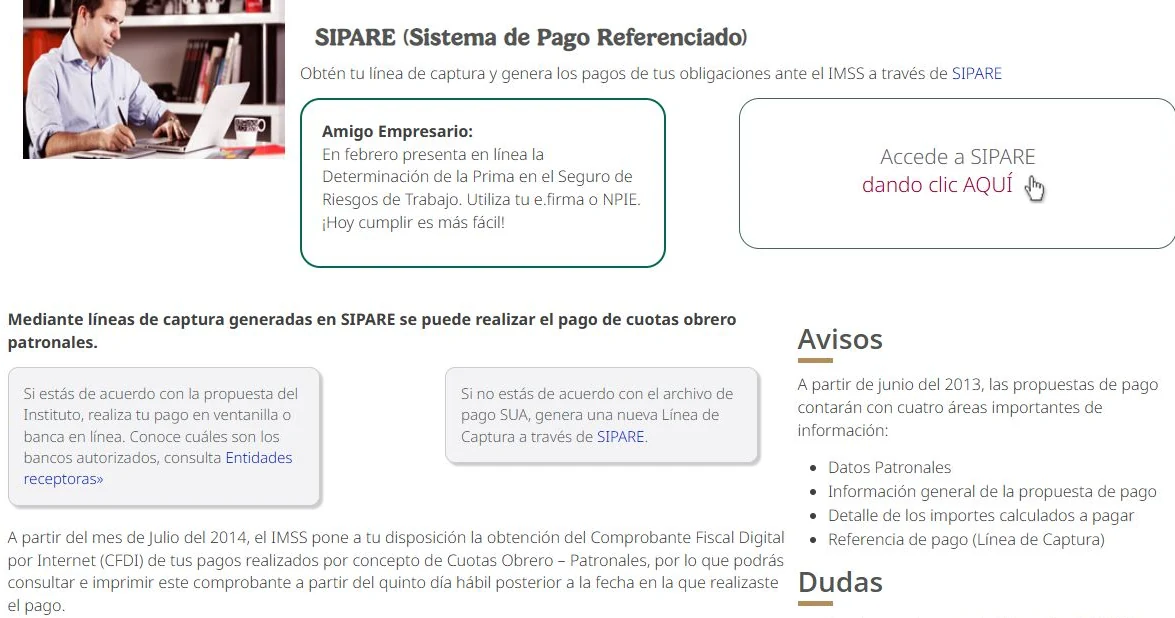
| IMSS | Validated movements | Line and payment |
| Tax Mailbox | Weekly review | Logbook |
| Pre-closing | Prioritized differences | Plan and responsible party |
October Preparation
- Updated certificates and obligations.
- SAT and IMSS calendar consulted.
- Internal cutoffs and responsible parties.
- Backups for holidays or absences.
- Acknowledgments and payments as closing criteria.
What Makes the Last Quarter Different
October combines September obligations with the start of the last quarter. Besides filing, it is advisable to project the annual closing, review tax balances, and resolve accumulated differences.
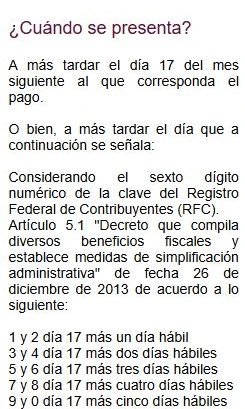
Specific dates must be verified close to the period. This guide prepares the system: source, responsible party, cutoff, due date, and evidence.
Last Quarter Scheduling Errors
- Copying August or September.
- Not considering payroll obligations.
- Closing a task without payment.
- Leaving annual projection for December.
Schedule by Taxpayer, Not by Internet
Two companies use the same downloaded list. One has payroll and the other does not; one files DIOT and the other has a different treatment. The team replaces the generic list with an individual matrix and removes tasks that do not apply, keeping the source of each date.
An accurate calendar comes from active obligations and official sources; the template only organizes responsible parties and evidence.
— Fintax
Schedule Ready in One Hour
- Extract active obligations.
- Verify sources and dates.
- Set cutoffs and backups.
- Execute, file, and pay.
- Close file and annual pre-closing.
Sources and Readings to Continue
Consult official sources: SAT calendar, IMSS SIPARE, RMF 2026.
To complete the process within Fintax, review: declarations and acknowledgments, Tax Mailbox, closing checklist.
Frequently Asked Questions
Can I use the same dates every month?
Not without verifying. Calendar, obligation, and non-working days can change the cutoff.
What do I add besides declarations?
Tax Mailbox, CFDI, payroll, contributions, accounts receivable, and pre-closing tasks.
When do I close a task?
When there is acknowledgment, payment, and working papers—not just when sending information to the accountant.
What to Do Now
Turn this review into a file with responsible party, date, source, and evidence. If there is a material difference, an overdue obligation, or a decision that changes the calculation, validate the case with your accounting responsible before filing, canceling, or paying.