
To prepare the chart of accounts you submit to SAT, start with the accounts in your accounting system and link them to the grouping codes in Anexo 24. The resulting XML describes your own accounts. SAT's list of codes is a reference, not a ready-made chart for every business.
Keep the submitted version reproducible
Archive the chart of accounts and trial balance exactly as submitted, together with the source export, validation result and acknowledgment. If a later correction is needed, retain both versions and a note explaining the changed accounts. Reproducibility is more valuable than a folder containing only the final XML.
Submit the chart with the first trial balance and again when an account changes at the reported level. The trial balance reports balances and movements for a period and follows a separate filing schedule. This guide uses the 2026 rules.
Article 28 of the Federal Tax Code and rules 2.8.1.5 and 2.8.1.6 of the 2026 Miscellaneous Tax Resolution define the main records, account levels and deadlines.
Which file is submitted
| File | Content | Timing |
|---|---|---|
| Chart of accounts | Taxpayer accounts linked to SAT grouping codes. | With the first trial balance and after a change at the reported level. |
| Trial balance | Opening balances, period movements and closing balances. | Monthly or quarterly, based on taxpayer type. |
| Adjusted closing trial balance | Year-end adjustments. | Annual deadline under rule 2.8.1.6. |
| Journal entries and ledgers | Transaction records and fiscal identifiers. | When requested or required in a refund, offset, audit or cross-check. |
| Acknowledgments | Receipt and processing result. | After submission or status query. |
Taxpayers who record transactions through Mis cuentas are excluded from the monthly electronic-accounting submission governed by rule 2.8.1.6. Confirm that the facility applies to the taxpayer's regime and active obligations.
Chart of accounts fields
Anexo 24 requires the XML to include fields such as:
- format version;
- taxpayer RFC;
- month and year when the chart becomes effective;
- account number and description;
- parent account number;
- account level;
- debit or credit nature;
- SAT grouping code.
The chart and trial balance are reported at least at general-ledger account and first-level subaccount. Each account number must match across the two files for the same period.
Assigning SAT grouping codes
Check which transactions the account contains and which use predominates before assigning a code. Accounts with similar names can record different types of transactions.
| Internal account | Anexo 24 reference | Review |
|---|---|---|
| Cash | 101.01 Cash and cash equivalents | Keep cash and petty cash separate from banks. |
| Domestic bank | 102.01 Domestic banks | Separate banks, investments and cards. |
| Domestic customer | 105.01 Domestic customers | Identify foreign customers and related parties separately. |
| Short-term domestic receivable | 106.01 Short-term domestic accounts and notes receivable | Avoid duplicating customer balances. |
The table shows examples from Anexo 24, not automatic classifications. Review the mapping in this order:
- classify accounts as assets, liabilities, equity, income, costs, expenses or memorandum accounts;
- identify general-ledger accounts and first-level subaccounts;
- isolate additions and changes made during the period;
- select the code based on the recorded transaction, account nature and predominant use;
- confirm the number, description and nature in the chart and trial balance;
- document the treatment of mixed accounts, related parties, foreign currency and clearing accounts.
An account that mixes transactions with different natures may need to be split before the XML is prepared.
Filing deadlines in 2026
| Taxpayer or file | Deadline |
|---|---|
| Legal entity, monthly trial balance | First three days of the second month after the period. |
| Individual, monthly trial balance | First five days of the second month after the period. |
| Listed issuer, January to March quarter | May 3. |
| Listed issuer, April to June quarter | August 3. |
| Listed issuer, July to September quarter | November 3. |
| Listed issuer, October to December quarter | March 3 of the next year. |
| Legal entity, adjusted closing trial balance | April 20 of the next year. |
| Individual, adjusted closing trial balance | May 22 of the next year. |
Agricultural, livestock, forestry and fishing legal entities that elect semiannual provisional payments submit six monthly files within the first three days of the second month after the end of the semester.
If a reported account changed during the month, submit the updated chart no later than the trial-balance deadline for that month.
Review before generating XML
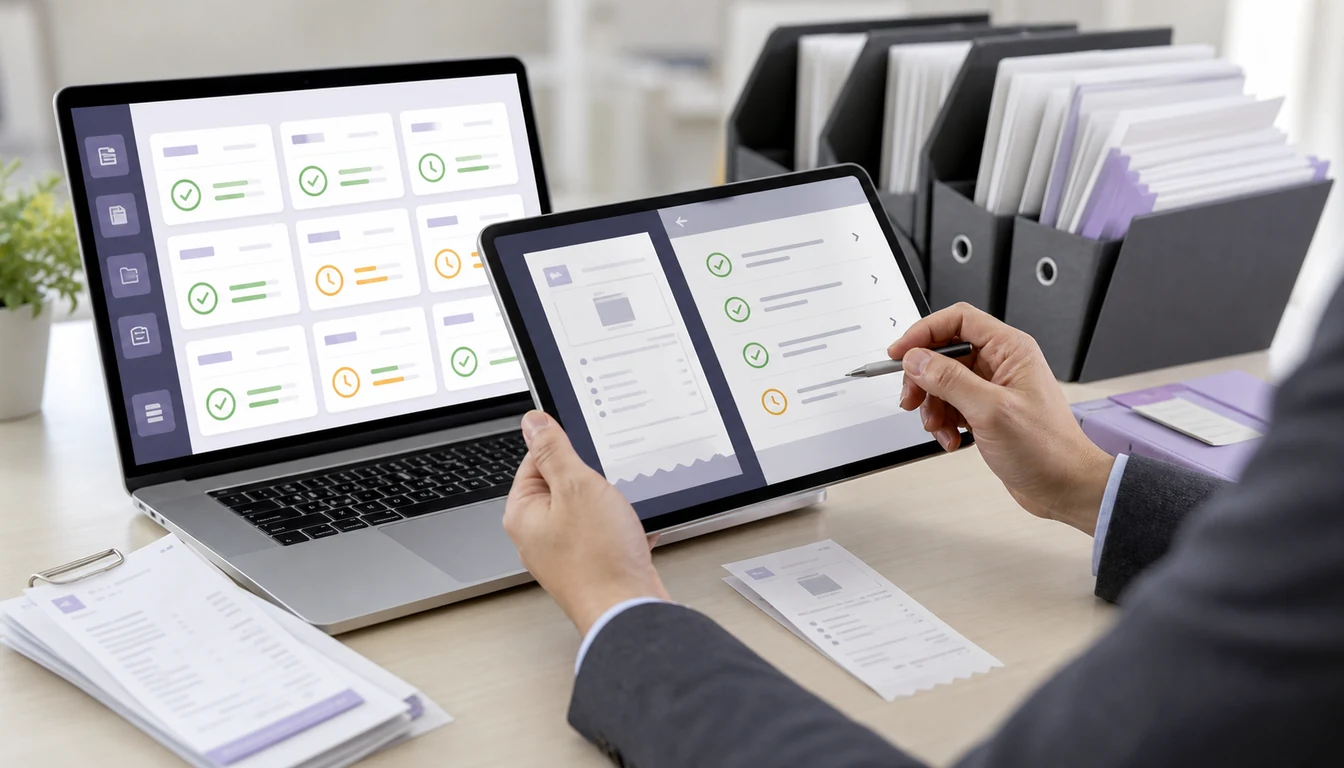
- Close the period and list later changes that require approval.
- Reconcile banks, issued and received CFDI, cancellations and payment complements.
- Reconcile ISR, VAT, withholding and other tax accounts to filed returns.
- Match the prior closing balance to the current opening balance.
- Identify account additions or changes and update the chart when required.
- Confirm that every trial-balance account exists in the current chart.
- Generate XML with the correct RFC, period, submission type and naming convention.
- Use the SAT form and syntax validator.
- Compress the XML in a correctly named `.ZIP` file.
- Submit through the SAT service, query the result and download acknowledgments.
The trial balance must identify tax receivable and payable accounts, transferred tax actually collected and creditable tax actually paid. It must also separate income by rates or activities when applicable.
Submission and acknowledgments
The SAT electronic-accounting service accepts Password or e.firma. It receives the chart, trial balance and, when applicable, journal or ledger files related to an audit, cross-check, refund or offset.
The service can produce a receipt and a later acceptance or rejection result. Verify:
- folio, date and time;
- taxpayer RFC and period;
- file name and type;
- submission type and reason;
- acceptance or rejection status.
A receipt does not establish that the file passed processing. Keep the final result with the exact XML and ZIP submitted.
Rejection and replacement rules
| Situation | Treatment |
|---|---|
| Rejection before the deadline | Correct the cause and resubmit within the ordinary period. |
| IT-related rejection during the last two days before the deadline | Resubmit within five days of the notice. Acceptance preserves timely filing. |
| Taxpayer later changes previously submitted information | Replace the files within five days after the change. |
| No internet access | Request assistance at an SAT decentralized taxpayer-services office. |
The five-day timely-filing protection applies only to an IT-related rejection during the final two days. An incorrect period, accounting discrepancy or naming error should not automatically be classified under that rule.
Keep the rejected file and its notice. Save the corrected version, internal approval and new processing result separately. Add a note explaining what changed so you can review the correction later without comparing every file again.
Frequent errors
| Finding | Risk | Correction |
|---|---|---|
| Trial-balance account missing from chart | Files cannot be reconciled. | Update the chart and verify account numbers. |
| Grouping code selected by name alone | Account is misclassified. | Review nature, predominant use and recorded activity. |
| Opening balance differs from prior close | Period continuity is broken. | Reconcile adjustments before creating XML. |
| Canceled CFDI remains active in accounting | Income, expense or tax is wrong. | Correct the entry and retain cancellation or replacement support. |
| Tax accounts do not match returns | Filed amounts differ from the ledger. | Reconcile CFDI, tax workpapers and trial balance. |
| Only a receipt is stored | Final status is unknown. | Retrieve acceptance or rejection. |
Monthly evidence folder
These folders can help you find the files you submitted and the records used to prepare them. Use different names if they work better for your team; SAT does not require this folder structure.
| Folder | Content |
|---|---|
| `01-chart` | XML, additions, changes and grouping rationale. |
| `02-trial-balance` | XML, internal report and balance reconciliation. |
| `03-cfdi` | Issued, received, canceled CFDI and payment complements. |
| `04-banks` | Statements and reconciliations. |
| `05-tax` | ISR, VAT, withholding workpapers and returns. |
| `06-sat` | Submitted ZIP, validation and processing acknowledgments. |
| `07-notes` | Owners, approvals, differences and replacements. |
Example: a new June subaccount
A legal entity creates a subaccount in June 2026 to separate domestic customers from related parties. Before filing the June trial balance, it should:
- record why and when the account was created;
- determine whether the change affects the reported level;
- assign the Anexo 24 grouping code;
- use the same account number in chart and trial balance;
- generate the updated chart when required;
- submit it within the June trial-balance deadline, the first three days of August;
- retain XML, ZIP and acknowledgments.
Frequently asked questions
Is the chart of accounts filed every month?
No. It is filed with the first trial balance and again after a change at the reported account level.
Are journal entries submitted every month?
They are not part of the ordinary monthly submission. They are delivered when requested or required for a refund, offset, audit or cross-check.
Can an accepted file be corrected?
Yes. When the taxpayer changes information to correct an error or omission, replacement files are due within five days after that change.
Does filing the chart and trial balance start an audit?
Periodic submission does not by itself begin an audit procedure. SAT must exercise its audit powers under the applicable process and formalities.
Official sources
- SAT: submit electronic accounting.
- SAT: form and syntax validator.
- SAT: Anexo 24 of the 2026 Miscellaneous Tax Resolution.
- SAT: 2026 Miscellaneous Tax Resolution.
- Chamber of Deputies: Federal Tax Code.
Official links to complete the task
Open official services from a new browser tab, confirm the taxpayer and period, and save the resulting acknowledgment or evidence with the case.